
When you are on the water, experiencing a chartplotter that glitches out can be frustrating whether you are navigating narrow channels or trying to find your way back to the dock when it is dark outside. Moddern chartplotters has become the nerve center of modern boating as these electronic devices combine GPS, electronic nautical charts, radar, sonar, and autopilot functions on one screen. When the chartplotters work correctly for your boating experience, it is easy to navigate from one point to another on the water.
However, if the chartplotters fail, it becomes impossible to navigate the waters without potentially encounter trouble. Most of the troubles related to chartplotters follow some pattern over and over again within marinas of different make and model boats. If you can recognize the signs of what is happening with your chartplotter, you can avoid towing cost and other problems that come with broken electronic devices.
Most of the chartplotter issues have a fix if you know where to look for the causes of the problems. The following sections discuss the problems with chartplotters and there fixes. The most common problems related to chartplotters are power-related.
Common Problems With Marine Chartplotters
1. Power and Voltage Issues
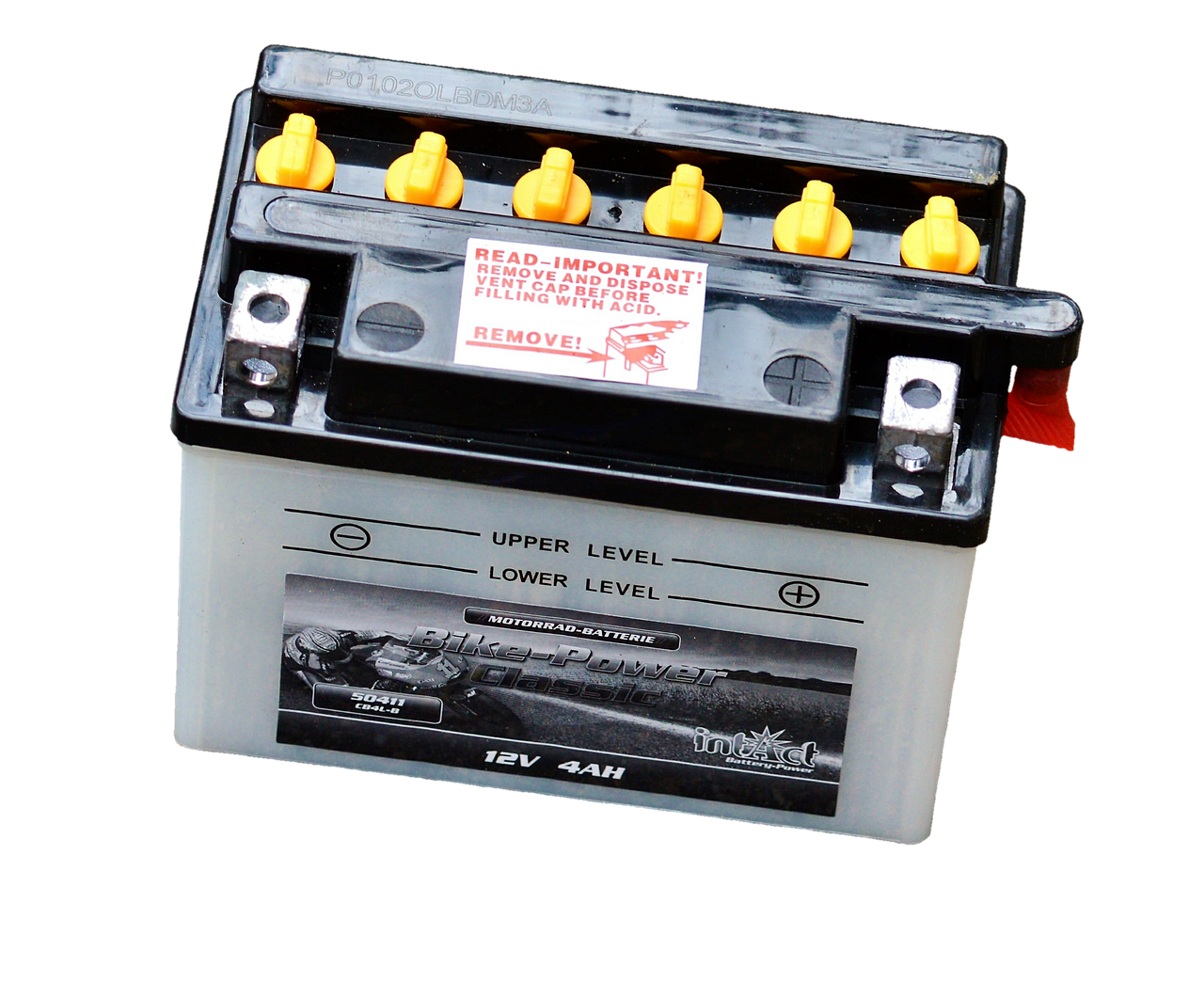
This is because power issues are basic but easy to overlook when on the water. If the screen goes black or continually restarts the device, there is likely a voltage problem related to the generator or battery. Marine electronics dont appreciate power spikes or drops in voltage from weak batteries.
Additionally, if the power cable is loose at any point, there may be data issues related to the chartplotter memory getting scrambled. Start with the connections from the battery to the chartplotter to fix the issue. You can also add a dedicated fused circuit for the chartplotter to avoid power problems offshore.
2. Screen Fogging and Condensation
The second most common problem is screen fogging or condensation inside the screen. This issue is common on boats that are hauled out of the water for the winter or live in humid climates. These electronic devices are manufactured to seal out moisture, but over time, the seals allow some moisture into the device.
The fogging on the screen cannot be wiped away with a cloth. In worse cases, the screen becomes distorted to the point where the depths of the water cannot be seen on the screen. Removing the device during off-seasons and storing it in a dry climate controlled space is a long-term solution.
Silica gel packs can be placed behind the mount for a temporary fix.
3. Software Glitches
Software glitches are the third most common problem. The screen may freeze or the position of the boat may jump inaccurately on the screen.
These problems can result from outdated chart cards or corrupted firmware inside the device. Electronic nautical charts has an expiration date for a reason. Additionally, you should avoids known software bugs from the manufacturer by updating the firmware.
Updating the charts and firmware when the boat is on the trailer will save you from hours of confusion.
4. Connectivity Problems
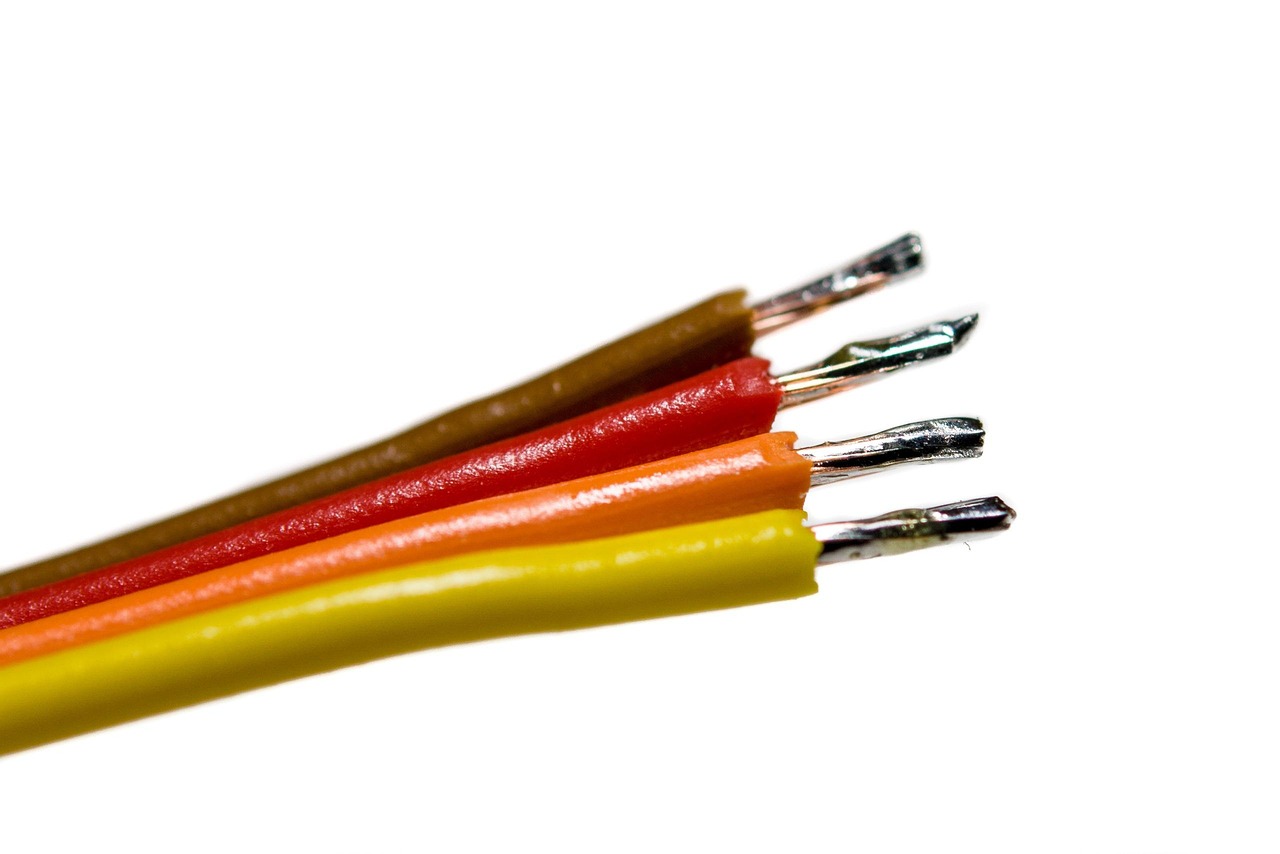
Connectivity issues relate to the devices connected to the chartplotter. If the radar does not display on the screen, the sonar does not work, or the autopilot will not engage, these devices likely will not work without fixing the chartplotter connection.
Most electronic devices use the NMEA 2000 or proprietary networks to connect the devices. A single bad connection or device can cause the other devices to fail. Checking and reconnecting all devices can fix the problem.
Each device should have a unique address on the network.
5. Satellite Signal Loss
Satellite signal problems can occur when encountering heavy weather or when under a thick tree canopy near the dock. GPS requires a clear view of the sky to continue receiving the signals.
If the antenna is mounted too low behind the hardtop or near metal rigging, that will create a signal problem. Moving the antenna to another location on the boat may restore the satellite signal quick.
6. Device Overheating
Overheating is one of the least expected problems with chartplotters. On bright days, the screen works hard and produces alot of heat. If the device is not ventilated properly, the processor eventually over heats and shuts down the device. Most chartplotters will emit warning messages about overheating shortly before the screen dims.
Using a small fan to enhance the ventilation or using a sun cover for the device can keep the screen cool while working hard.
7. Incorrect Datum Settings

Incorrect or drifting datum can cause a boat to head into danger while the chartplotter seems to work correctly. If the chartplotter is using one datum but the paper charts use another datum, the numbers will not line up correctly.
Most chartplotter manufacturers allow both datums to be selected to avoid this problem. Double checking the datum settings to ensure all use WGS84 will prevent dangerous situations. Many experienced boat captains who have nearly capsized their boats by heading into rocks use this basic step.
8. Physical Damage and Salt Corrosion
Physical damage to the touchscreen or buttons on chartplotters typically occurs after several seasons of use. Salt spray gets into every crevice of the screen, and the salt can corrode the touchscreen. A chartplotter that does not respond to buttons or one with phantom touches is a hindrance to the navigation system.
Regularly cleaning the screen and using a screen protector for the screen can significantly extend the life of the device. Aftermarket products made for tablets work best.
9. Battery Drain When Off
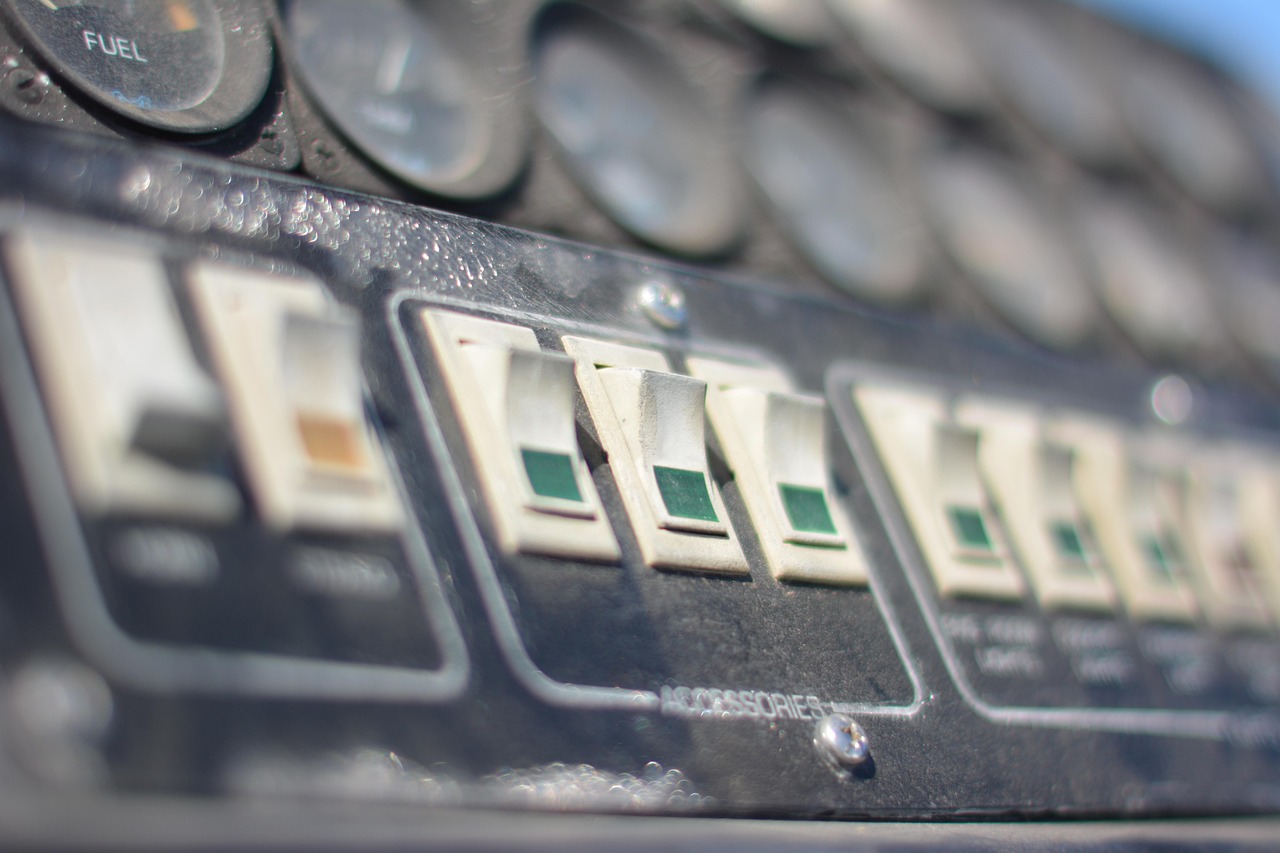
Lastly, there is the problem of the battery draining when the boat is off. Most chartplotters leave certain circuits on when the boat is off to retain the memory of the screen or to allow the screen to receive wake-up commands from the other devices on the boat. If several devices have circuits on the chartplotter, there will be a slow drain on the boat battery over the course of a one- or two-week period. Installing a dedicated master power switch for the electronics panel will cut the power to these devices when the boat is off.
Not only is a master power switch inexpensive, but it will save the boat owner from the battery dying on them unexpectedly. Boaters who use chartplotters have greatly benefited from these devices. However, like all technologies, there are problems with them.
The key to surviving a chartplotter problem is recognizing the signs of trouble and knowing the cause of the problem. By keeping the software current, protecting the hardware from excessive heat and salt spray, and ensuring that the power and data devices are connected correctly, the chartplotter will remain a trusted tool. The waters can be unpredictable, and avoidable boat electronics trouble should be prevented at all costs.